Docs
Profile & workspaces
How Veyra learns enough about you to answer in your own voice, and how it keeps one line of work separate from another.
Building your profile
Your profile is what lets Veyra answer questions about your own work — "what did you ship last quarter", "what would you say you owned end to end" — without you typing the answer yourself every time.
Veyra reads what you give it. It does not learn from your meetings, and it is not a model trained on you — a profile is built from sources you chose, read once, into one block.
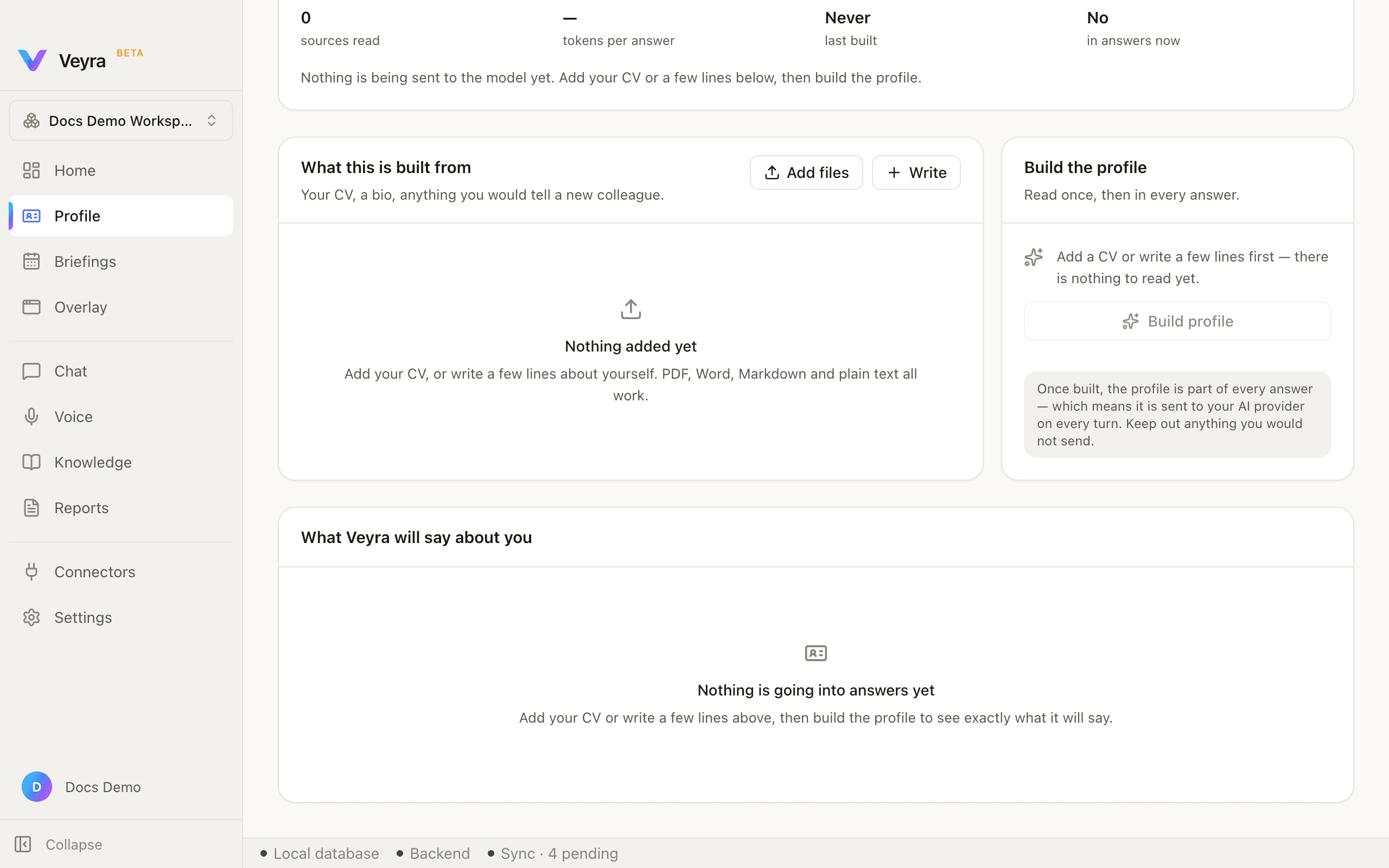
A status card at the top shows four stats — sources read, tokens per answer, last built, and whether it is in answers right now — all blank on a fresh profile, next to a badge reading "Not built yet." Below it, two cards: what the profile is built from, and the build action itself.
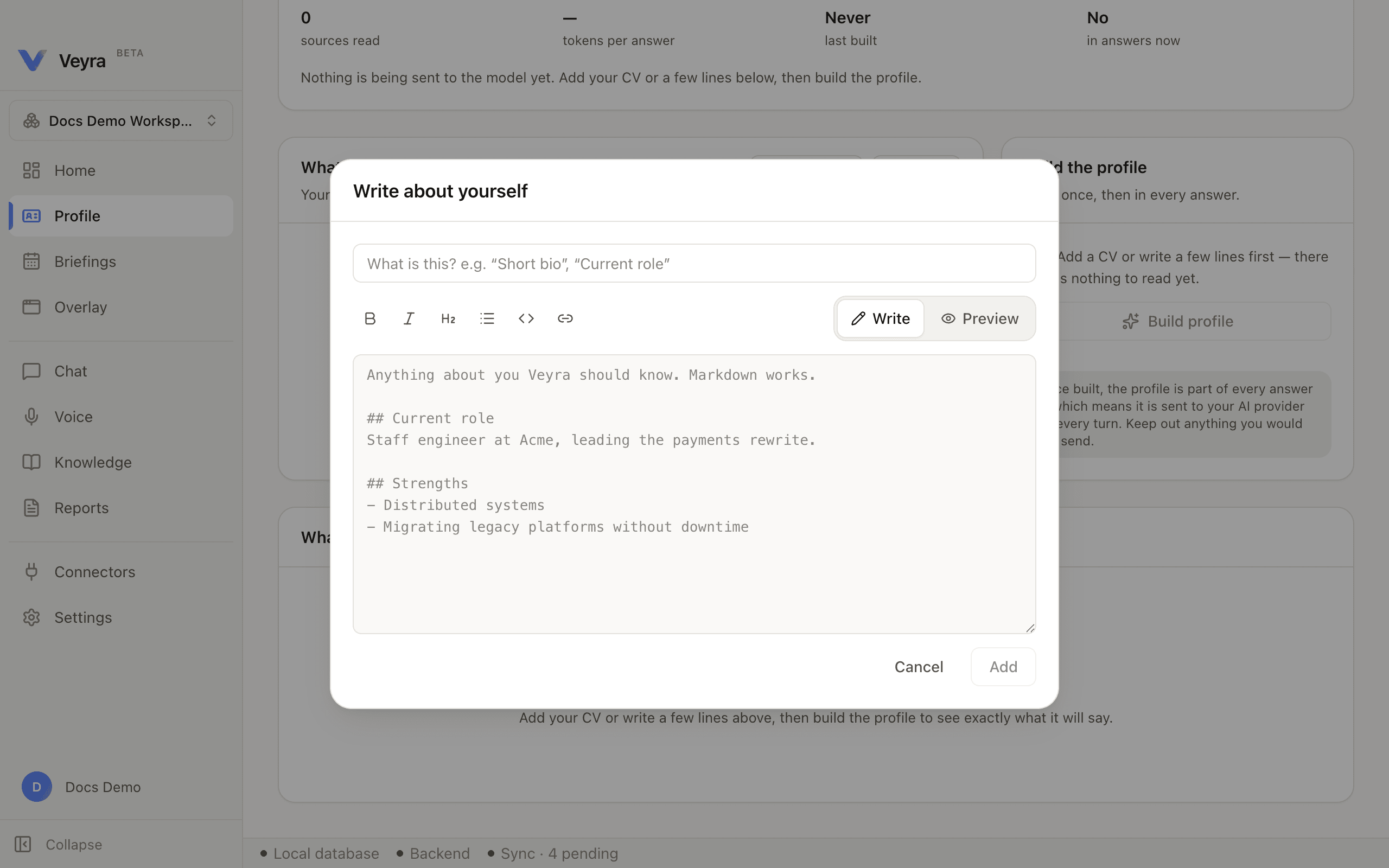
Sources come from two places: Add files (your CV, notes — anything on disk) or + Write, which opens a small Markdown editor: a title field, a formatting toolbar (bold, italic, heading, list, code, link), a Write/Preview toggle, and a body textarea. Add stays disabled until both fields have something in them.
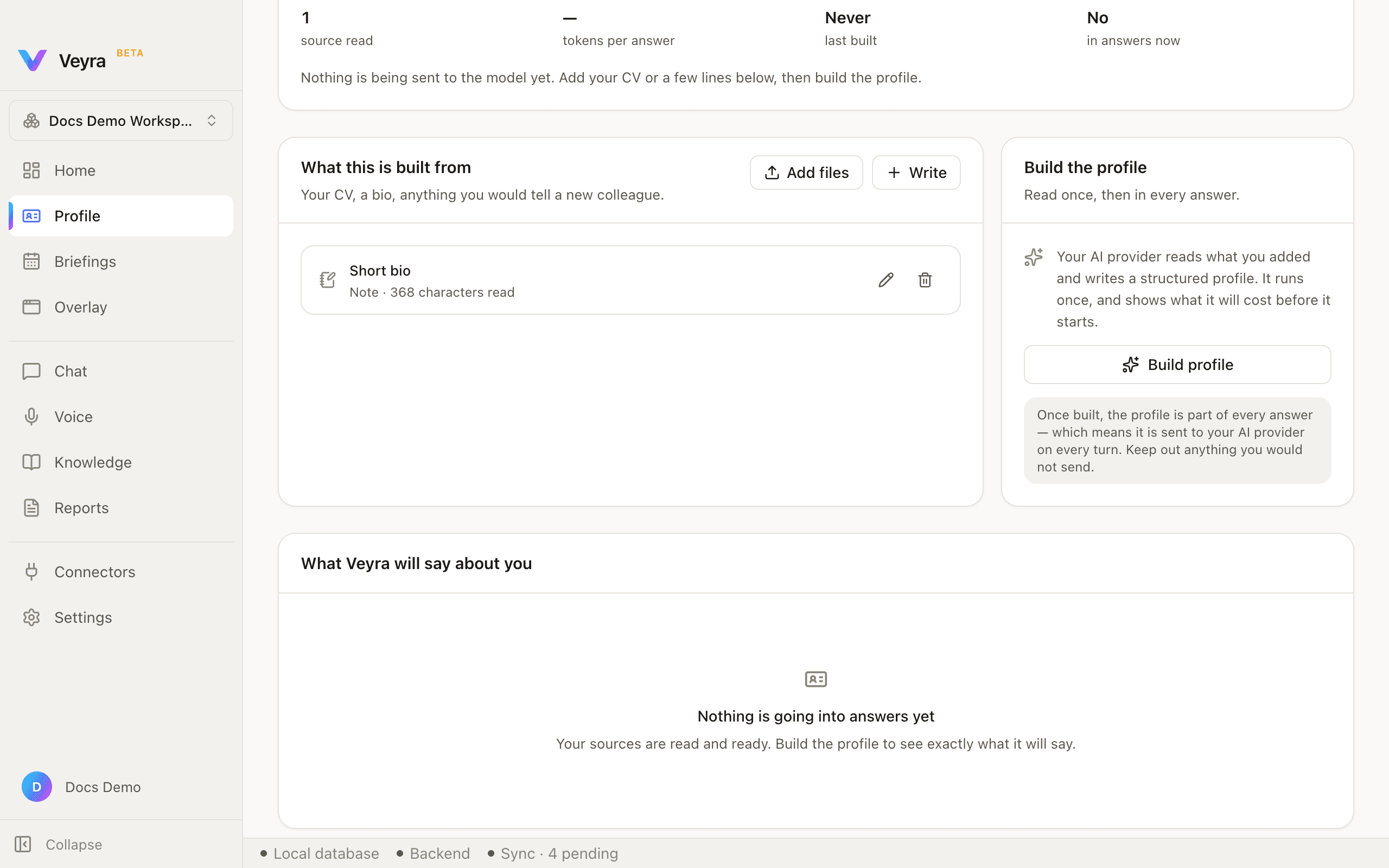
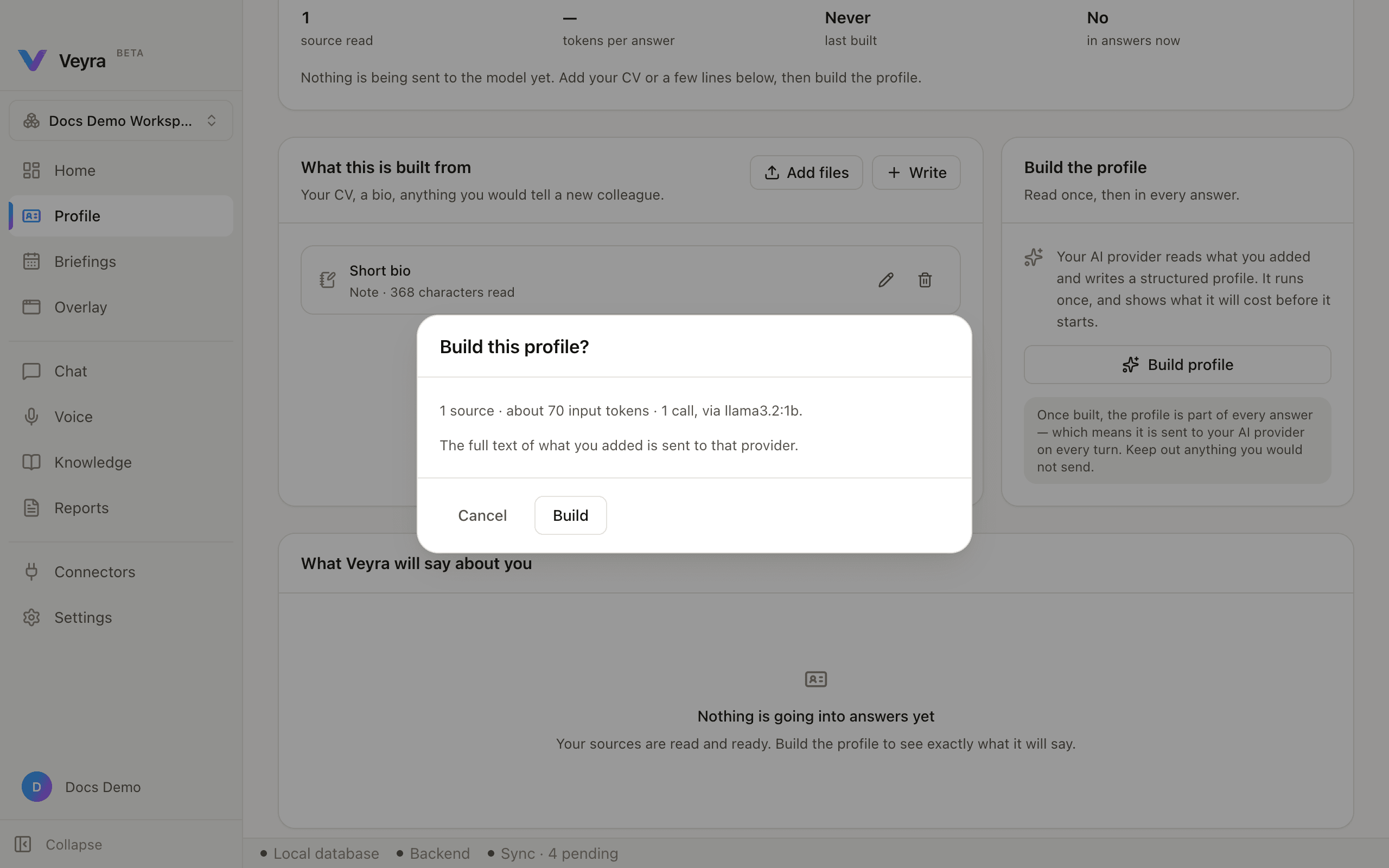
Clicking Build profile does not start immediately — it opens a confirmation showing a real estimate computed against your connected provider (source count, roughly how many tokens, how many calls, and which model), plus a plain warning that the full text of what you added is sent to that provider.
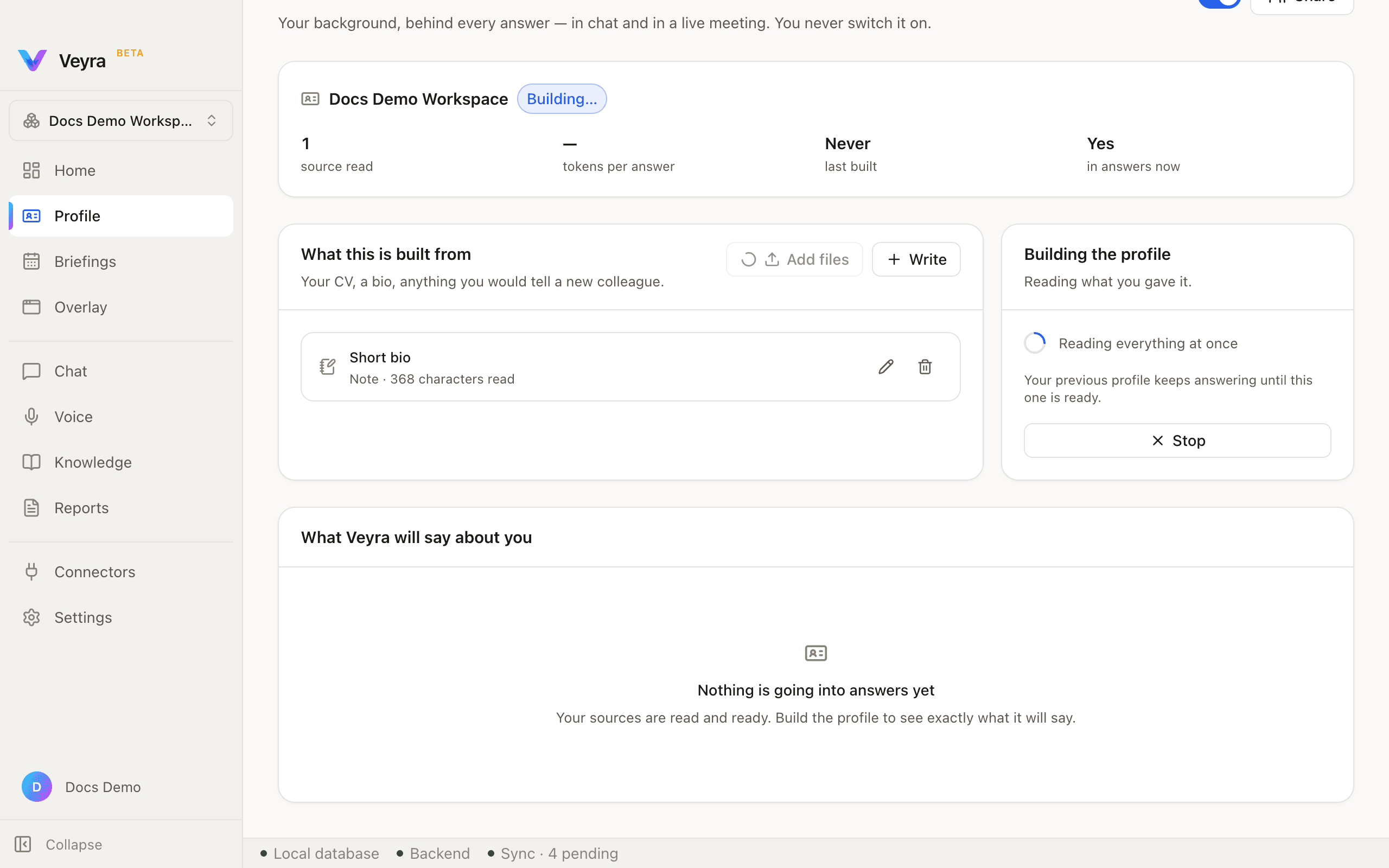
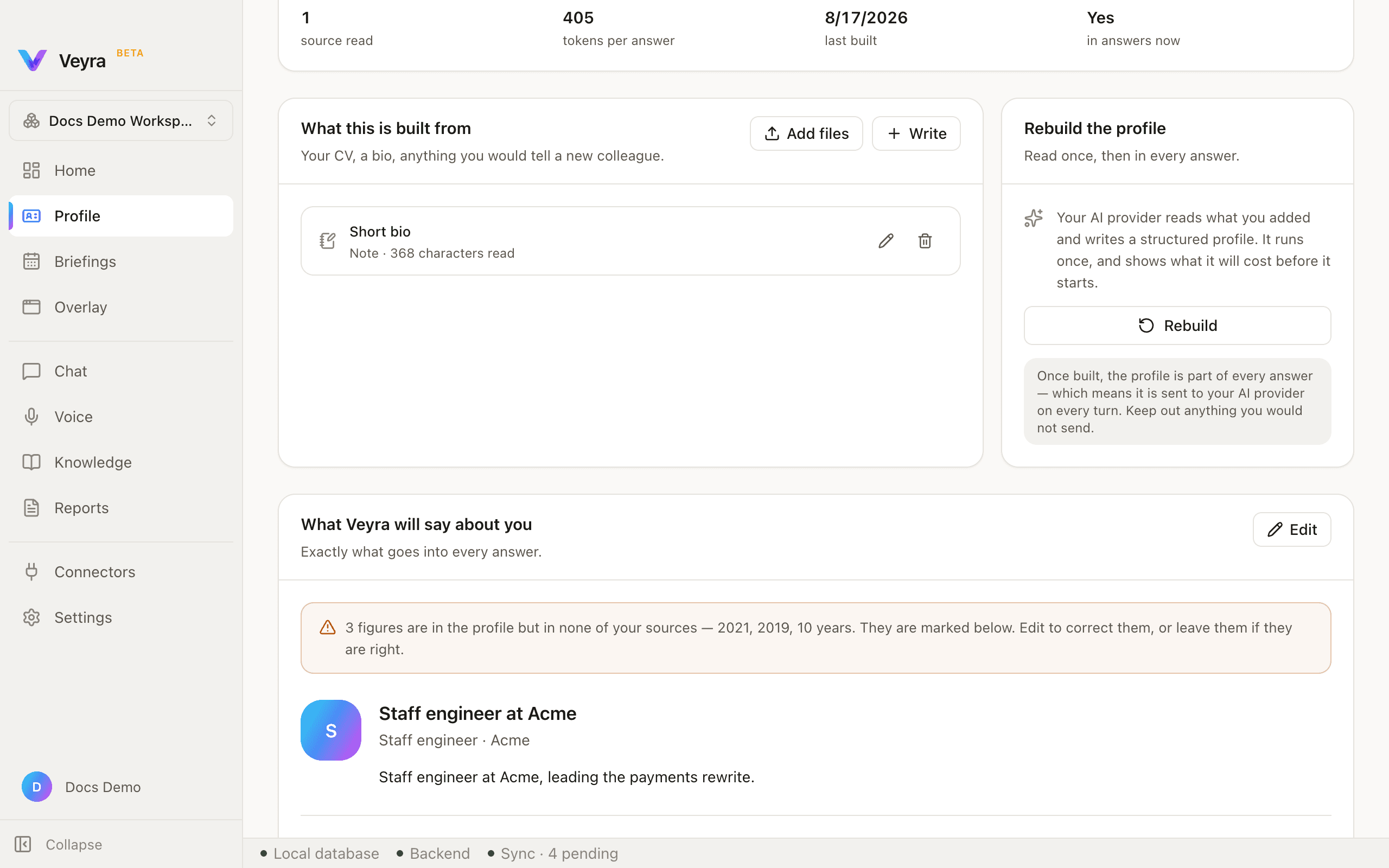
A finished profile fills in the stats row, shows an avatar and a one-line summary card, and — this is worth knowing about — checks its own output: if the model writes in a fact that is not present in anything you actually gave it, Veyra flags exactly which figures those are rather than presenting them silently. You edit the profile to fix them, or leave them if they turn out to be right.
Once a profile exists, the build card retitles to Rebuild the profile with a Rebuild button — the same estimate-then-confirm flow runs again. Update it whenever your sources change; the profile does not update itself.
Workspaces
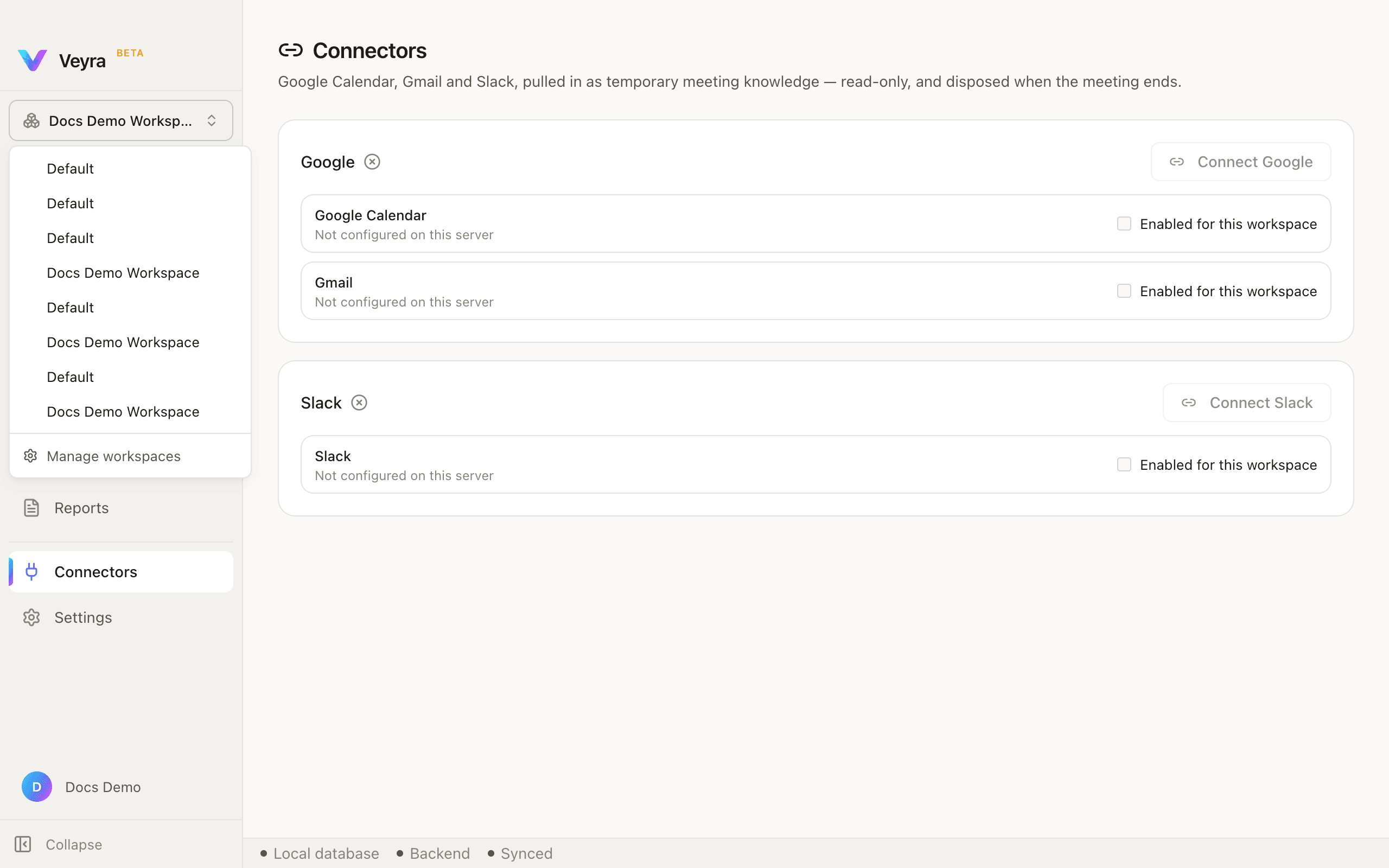
A workspace is a boundary, not a folder. Keep one per client, per project, or per part of your life, and Veyra can only retrieve from the workspace you are currently in.
This is architectural, not a filter you could switch off: there is no cross-workspace retrieval, ever. Content in another workspace is not hidden — it is unreachable from the one you are in.
Every profile, briefing, and document you add belongs to exactly one workspace. Switching workspaces changes what Veyra can see for the rest of the session.
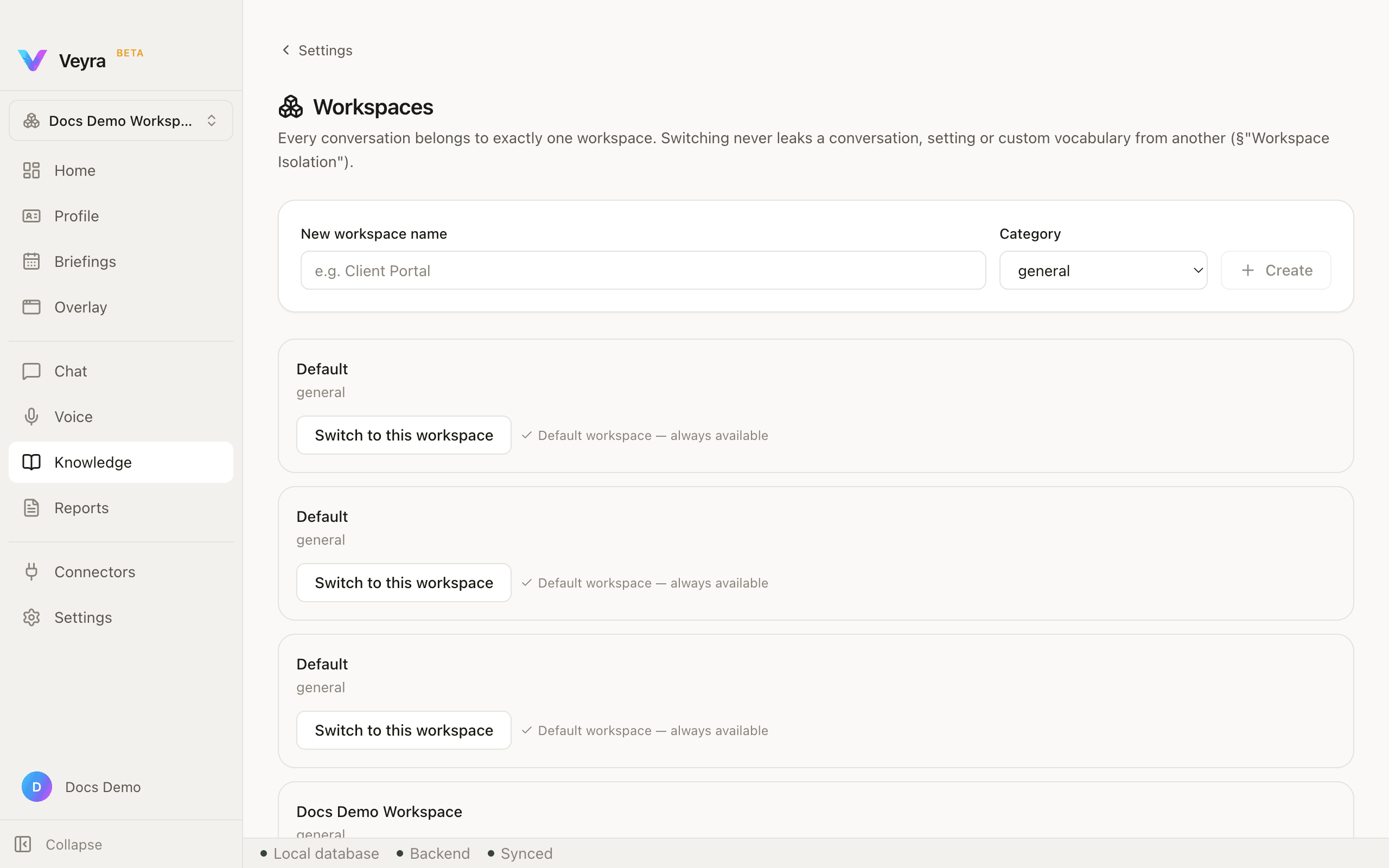
| New workspace name, Category | Category is a fixed list — general, development, frontend, backend, devops, qa, architecture, business, sales, hr, research. |
|---|---|
| Switch to this workspace | On every workspace card. Makes that workspace the active one. |
| Archive | On every workspace except the seeded default, which cannot be archived or deleted. |
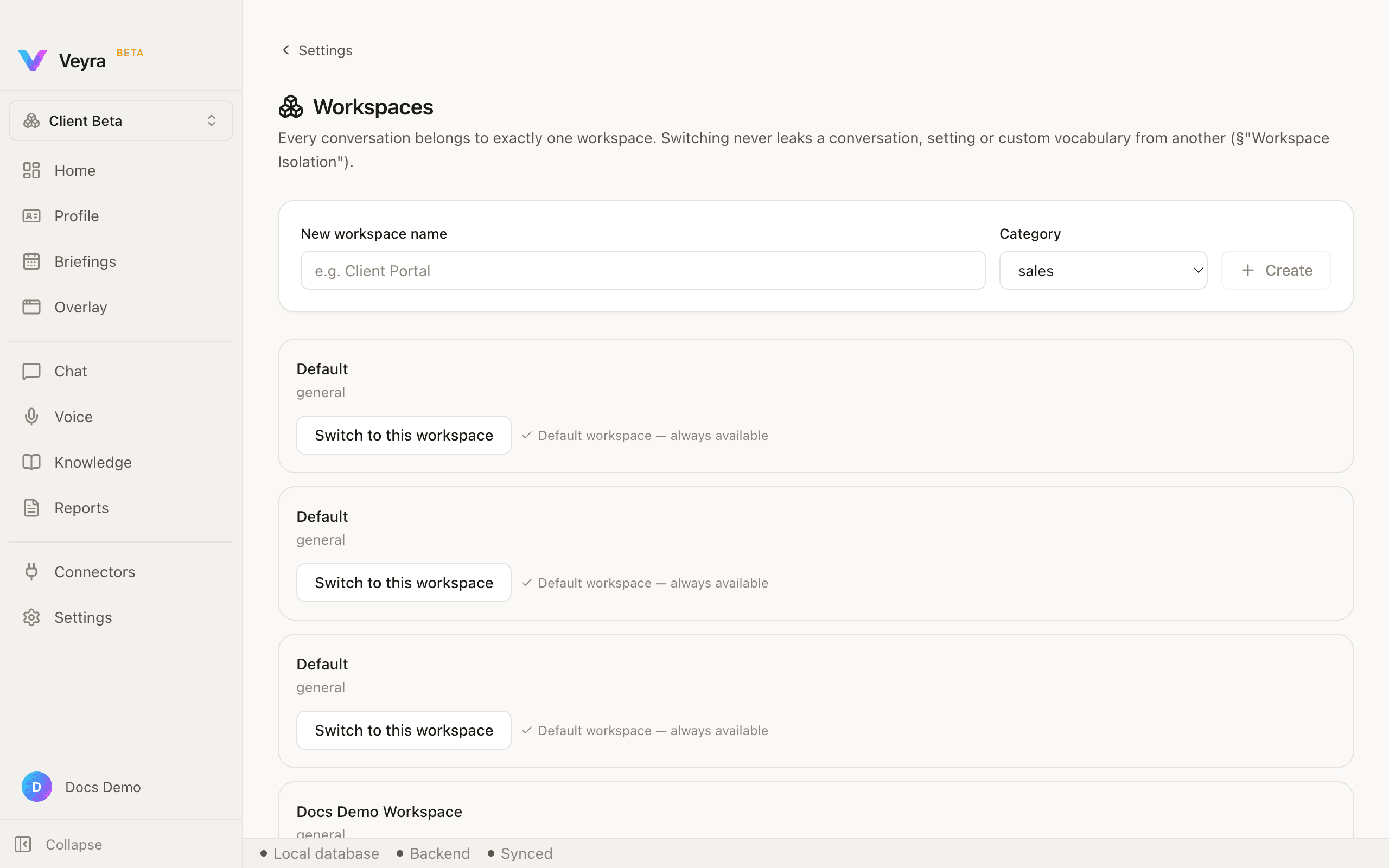
Creating a workspace activates it, the same convention Veyra uses elsewhere (creating a provider activates it too).
Knowledge documents
Knowledge is where documents live once you add them — indexed and searchable, and scoped to whichever workspace you added them in.
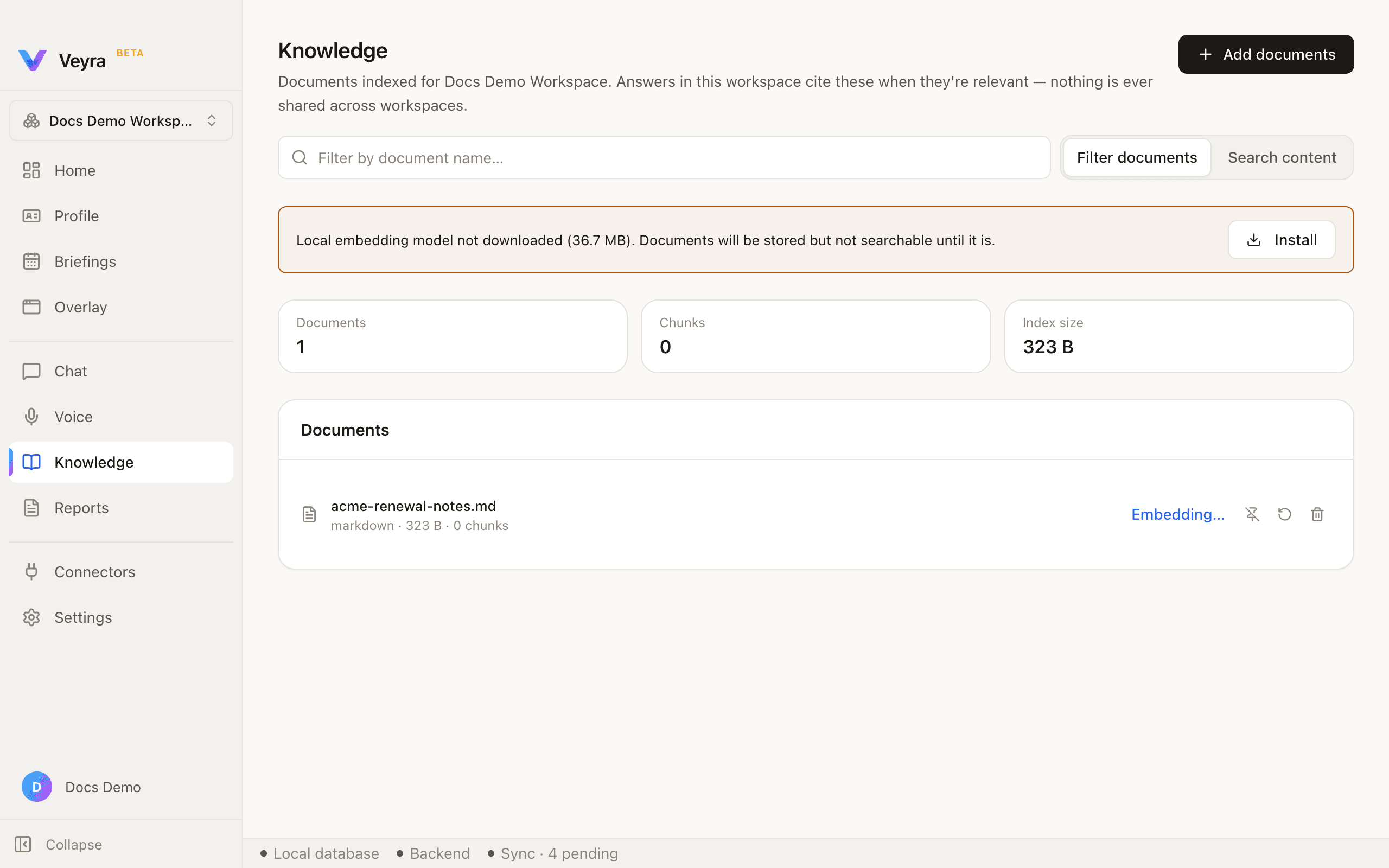
The first time you add a document, you may see a banner explaining that the local embedding model is not yet downloaded — a small download (well under 50 MB), with an Install button right there.
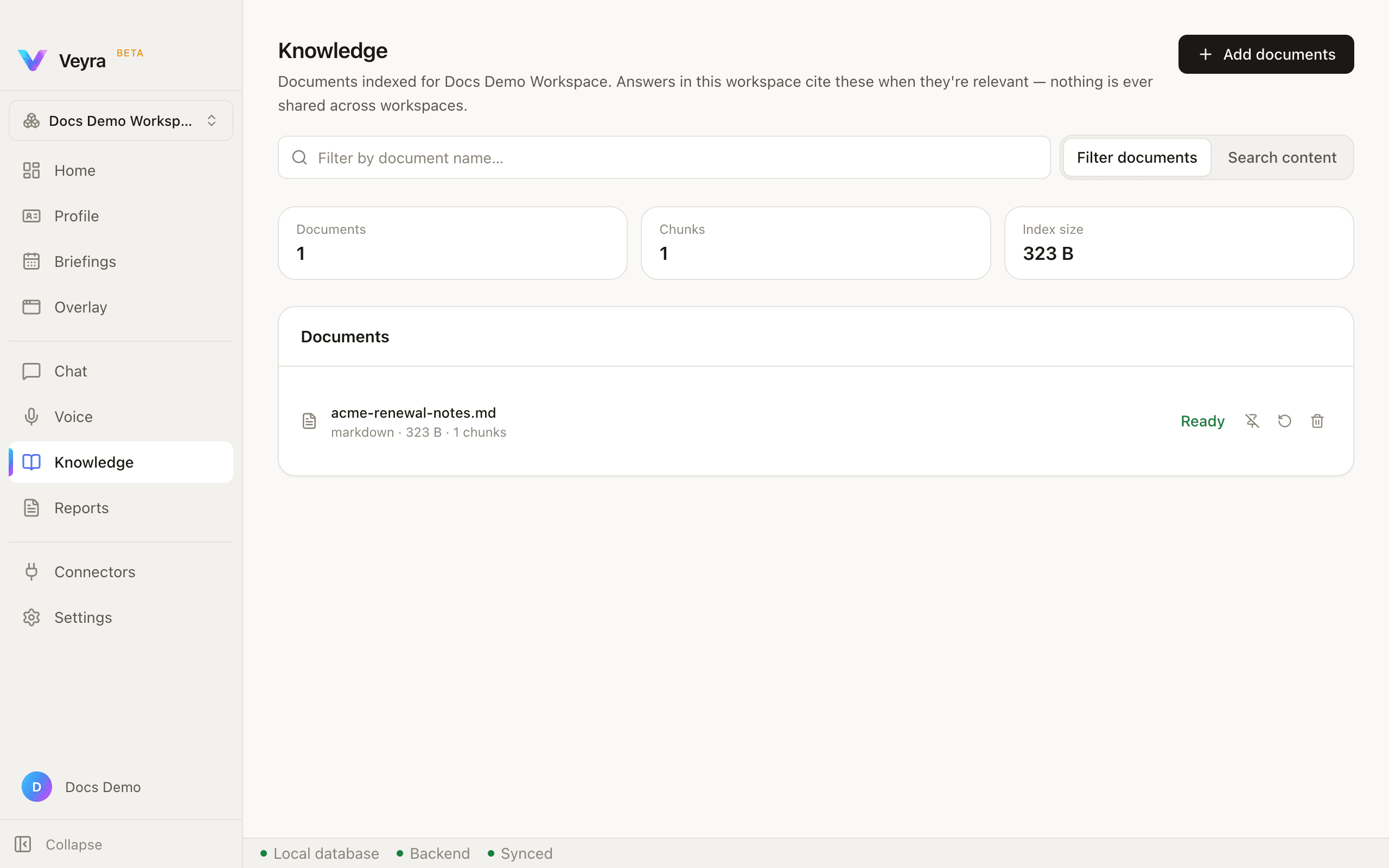
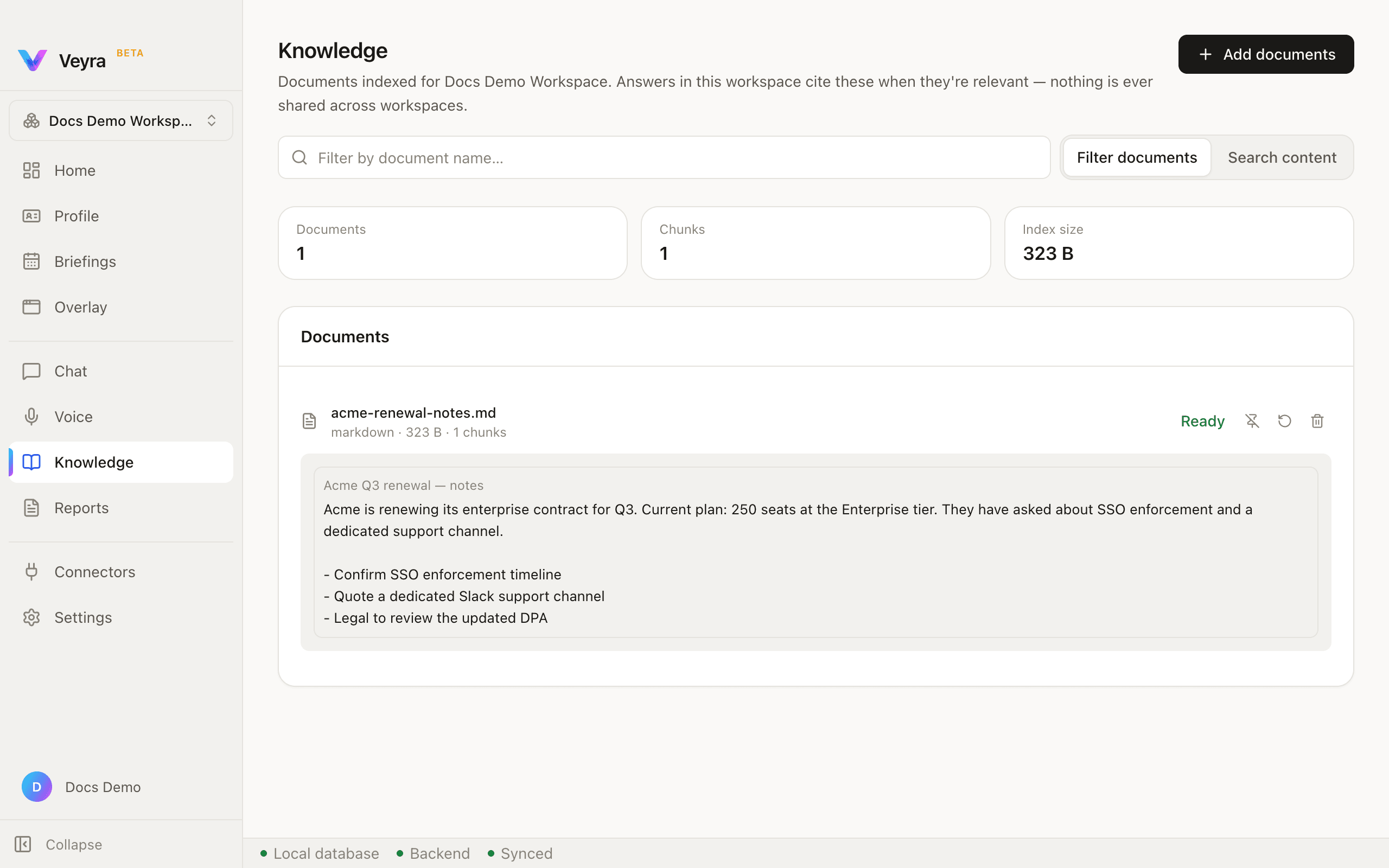
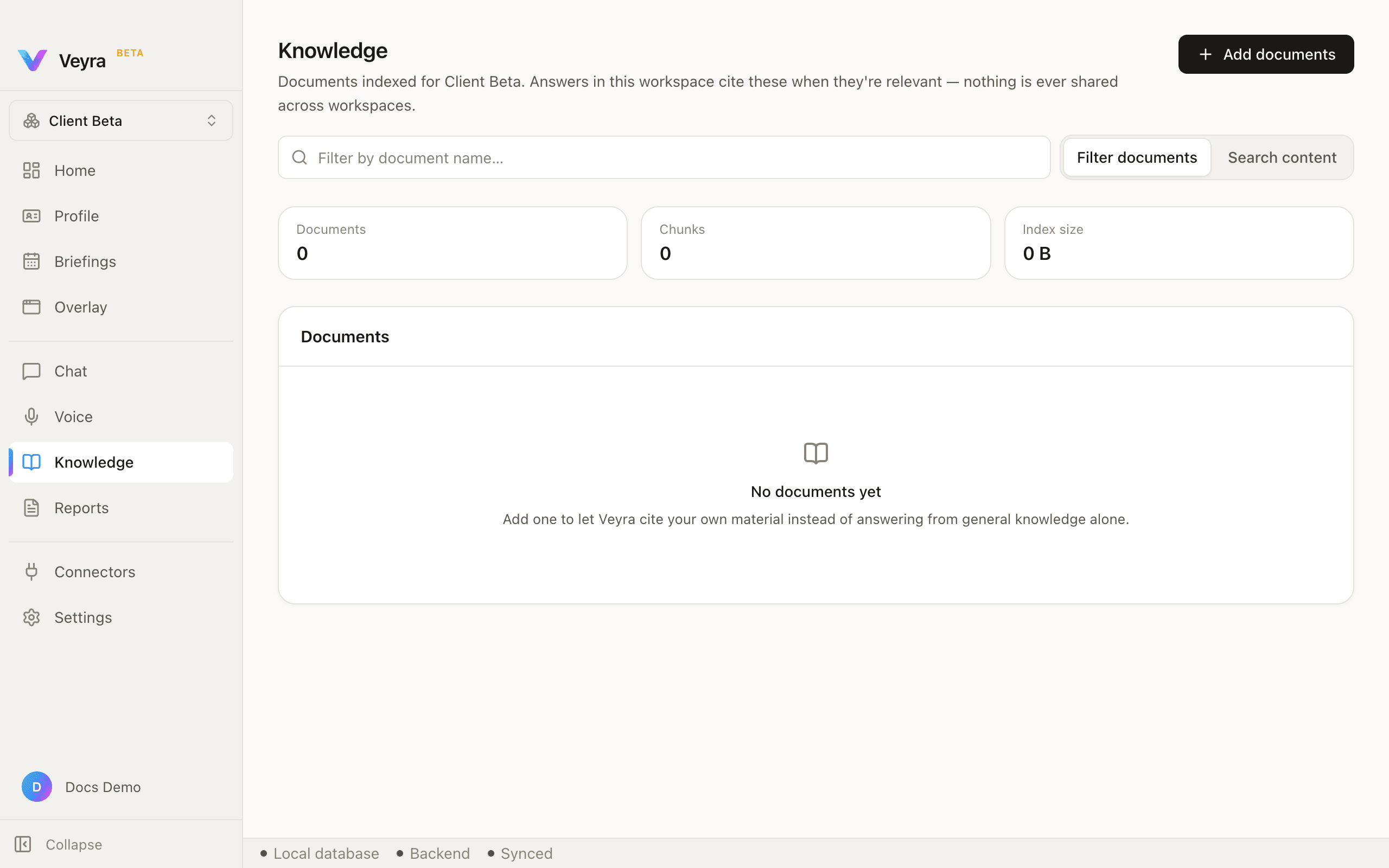
There is no in-app way to paste text directly as a Knowledge document (unlike Profile, which has Write) — the only path is Add documents, your Mac's own file picker.